Google Calendar Sync Now Official

Just this past week, Google made their CalDAV support — and, specifically, their support for iCal and other desktop calendar clients — official. A while back I reported on the beta version of this feature, and I was pleasantly surprised to find that the beta had actually ended.

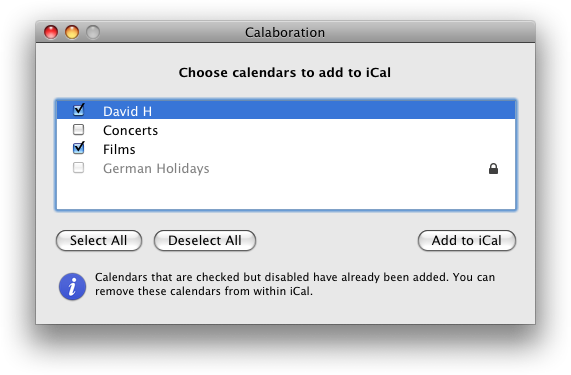
Calaboration Utility to Configure iCal-Google Sync

Along with offical support, Google is now supplying a configuration utility, which simplifies the setup of iCal, thus addressing my major beef with the service.

Great news.

Division of Labor

One of the great things about my new job is that labor is divided among a much larger crew than I'm accustomed to. This means I get to do more of the sort work I like and less of the sort I don't.

In my old job, there were basically two and-a-half SysAdmins running the whole show. And since I was the front man, most requests got funneled through me. So I was pretty much dealing with everything.

In my new job, on the other hand, I am one member of a much larger team that deals with a whole wide range of technologies — from SANs to fibre connections to video playback devices. In some respects my job description is fairly generalized. All the SysAdmins on the team essentially share the same set of responsibilities, but as usually happens, each of us has our unique talents and proclivities, and since our team is comprised of a bunch of people, we each have a chance to specialize to some extent as well. We each get to focus more on stuff we're good at — which is to say, stuff we like — and worry less about stuff we don't like.

Case in point: last week we got a new printer. Not only did I have nothing to do with spec-ing, purchasing or installing the printer, I wasn't even aware of the fact that we'd gotten one until the part of the crew that installs printers had installed the damn thing.

Printer Prefs

People in my old job all knew how much I hate printers. I truly despise them. I despise the hardware — it's large, cumbersome, ugly and resource intensive. I despise the software — the drivers are always a pain to find and install (especially Epson's) and the bundled software is ugly and unintuitive. I even despise the act of printing itself, which is often problematic, wasteful and eco-unfriendly, particularly when dealing with inkjet technology. Prints themselves I find generally useless as they're not searchable. And, of course, troubleshooting printer problems is a nightmare that's usually best dealt with by simply getting a new printer.

In the past it was my job to deal with every aspect of any printer purchase and installation. Needless to say, It was one of my least favorite duties. So to never have to deal with any aspect of the printer pipeline is a dream come true. When I saw the guys setting up a printer I almost laughed out loud when I realized that I'd had nothing to do with it.

Well, I did have to add the printer to the lab systems. But that's the best part. And that was it.

Back to building servers. Fantastic.

Taking My Own Medicine

I've long extolled the virtues of network-based home accounts, at least in some situations. And, of course, I've written copiously on how to implement such a thing in a lab setting. What I've never really done in any meaningful way, or for any length of time, is to use network home accounts myself. Until now. There are certainly situations in which local home accounts are preferable. Generally speaking, they tend to be the way to go if you can swing it. They're usually a bit more responsive, and of course they don't rely on a functioning network, proper network settings, authentication servers and home account servers to work. They are the de facto, the default, and they're what most people are used to. And if your users ever only use their one computer, local home accounts are likely to be all you'll ever need.

But in environments that involve numerous shared (network) resources, or in which people are moving from computer to computer on a regular basis and need some semblance of consistency among machines, a centrally-located, accessible-from-everywhere home account can be a real blessing. In order to sell this system at my new job (on the Mac side — Linux was already using network homes), I needed to prove its reliability, so I threw myself on the grenade, as it were: I started using a networked home account. And you know what? I really like it.

There are, as alluded, certain inconveniences with such a scheme. For one, login tends to be a bit slower as the system needs additional time to locate and coordinate with the necessary network resources. Also, there is no Trash folder for a network home, and deleting files is immediate on a Mac when done over the network. So every time I try to throw something away I get this alert:
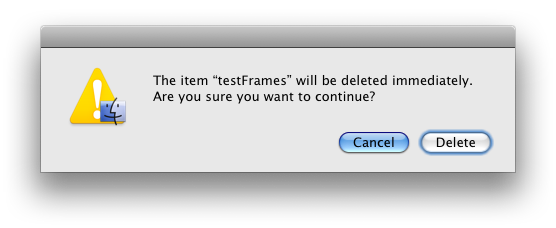
No Trash!

And the file is deleted for good. This is probably the worst part of the networked home. No Trash. But the advantages are so great that I plan to stick with my networked home, despite the minor annoyances.

At some point not too long ago I decided that the reliability test had been a success, and that I could finally revert back to my local home account. So I synced everything back to the local drive, and changed my home account location on the server (I use server-based authentication either way), and logged in. I worked locally for a while, and then I needed to do something on a Linux machine. I logged into that machine — which uses networked home accounts — and got my old, outdated, network home. And that's when I realized: you can't have it both ways. You either need to go local-only, in which case you need to really only use one machine, or you need to go networked. Otherwise your data's all out of sync. And that's way worse than any network dependencies or minor performance hits. So I immediately switched back to my networked home. And I plan to stay there.

And speaking of having it both ways, I suppose it is possible. At my old job I had a local account on my office computer and a networked account everywhere else. This was okay, but created all sorts of problems — particularly permissions problems — any time I wanted to share data with, uh, myself. Long story short, it was a real pain in the ass. Doable, but kinda sucky. Avoid if possible.

I have to say, since committing to my network home account, I've been pretty darned happy with it. Most times I'm completely unaware that I'm even on the network. And it's great to have the same environment across every machine in the lab. It's also great to finally be able to say definitively that this approach is not only valid, but actually pretty great in instances in which it's appropriate.

Go me!

Final Cut Studio Release Notes

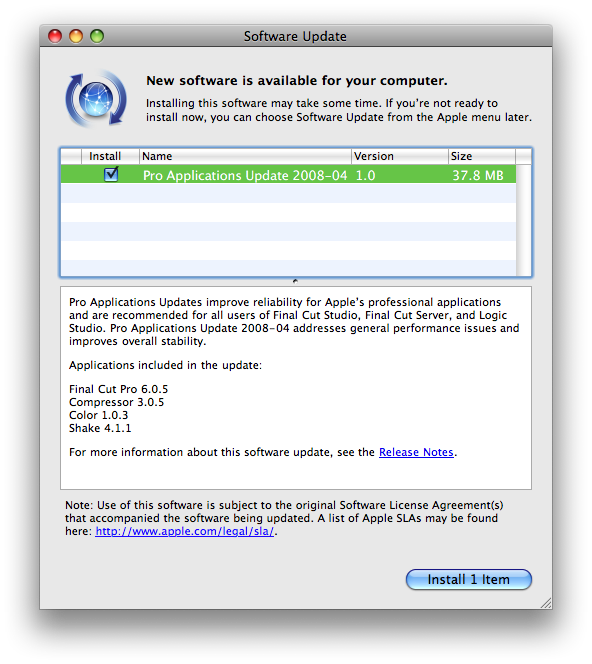
Apple just released an update to the Pro Apps suite of applications. TUAW erroneously mentions that, "No specific details were provided about what the update improved..." but, in fact, full release notes for the past four Pro Apps updates are available by clicking the "Release Notes" link in Software Update. Which will take you to this page:http://www.apple.com/support/releasenotes/en/Final_Cut_Studio_2.0_rn/

FCS Release Notes: Cool

TUAW's mistake is understandable; Apple often fails to detail updates to their software. But not in this case. And I, for one, am glad for the change. Not sure how long this page has been around. But here's hoping they keep this sort of thing up.

(I won't hold my breath.)

Too Many Computers

That title's not meant as a complaint. It's just that I've noticed that over the years I've tended to use fewer and fewer system add-ons and customizations than I once did. And I realize that it's because I use so many different computers. There used to be a time when I would customize the hell out of my Mac. After installing all my apps I'd get to setting up my user account, tricking out all my apps so that they behaved just like I liked, and installing and configuring any number of productivity utilities to make my life easier. It took forever, and it was a huge pain, but once it was done I could navigate my computer quickly and effortlessly.

Those days are pretty much over at this point. I no longer do much to change the default configuration of my home account in any meaningful way. I barely customize the Dock. I may change the Desktop background. On my primary computers I can't live without a pasteboard history, so on those machines I'll install the excellent(!) PTHPasteboard. And there are certain Terminal settings I really enjoy. But that's about it. I don't even install my beloved Butler anymore.

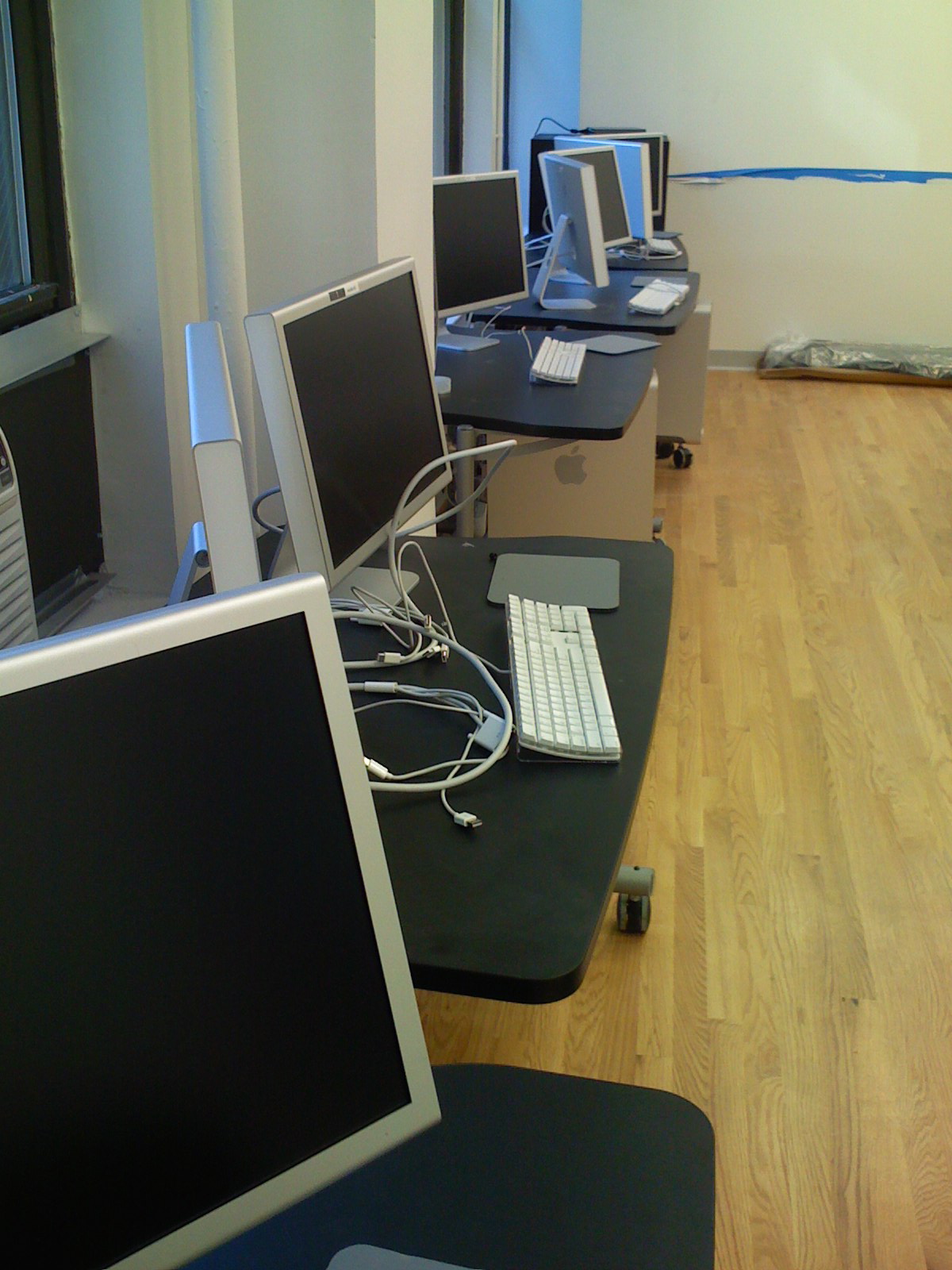
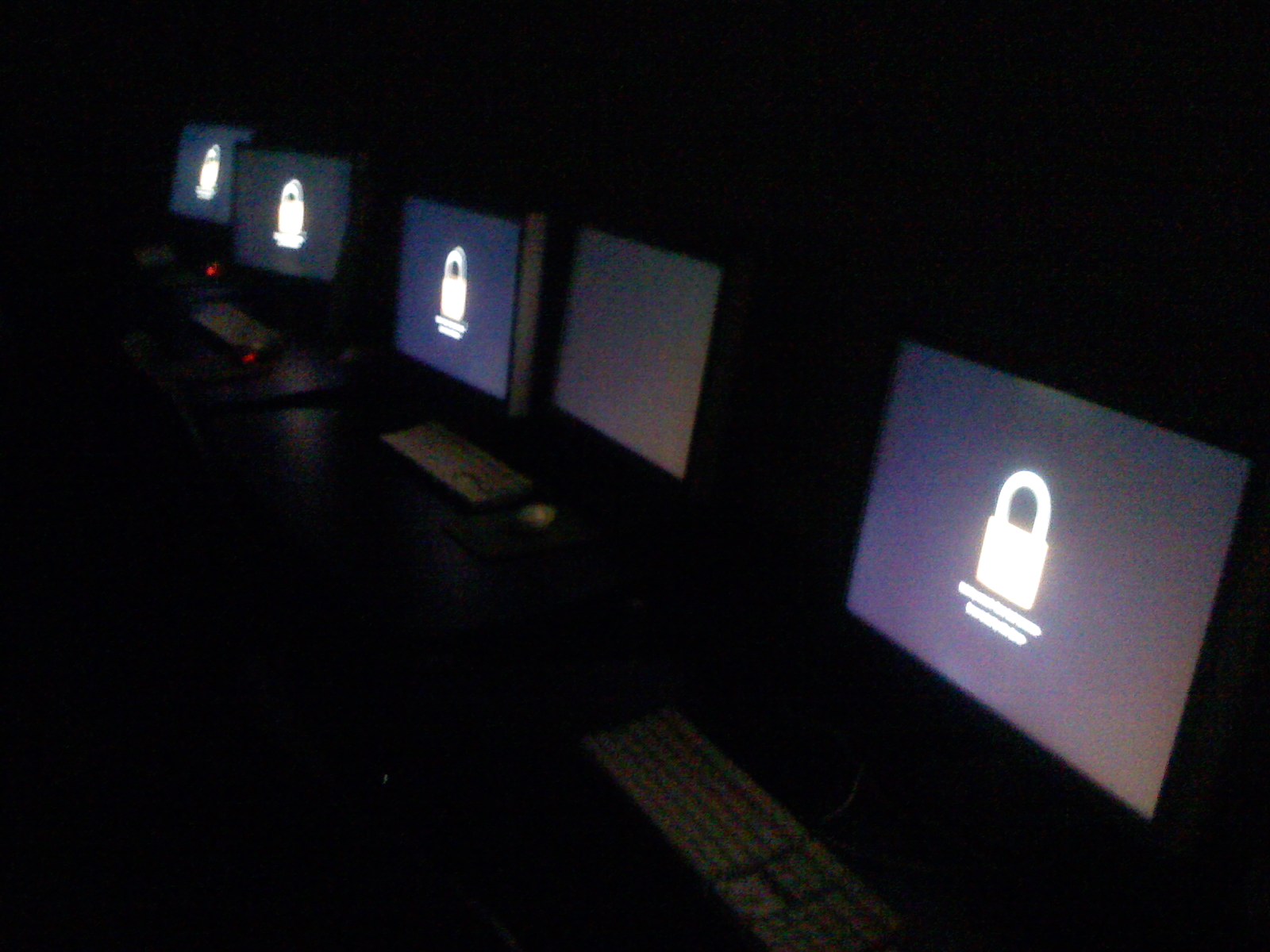
Too Many Computers!

There are certain things that have contributed to this. For one, Leopard's Spotlight is a great application launcher, largely mitigating the need for Butler. (Yes, there are other things that Butler does that I miss, but I can live without most of them — but application launching is a deal-breaker.) Spaces helps a lot with window management, so I don't need the sort of hot corner stuff I used to do. And the newer Mac keyboards have iTunes control built in.

But the main reason for this change (or lack thereof) is the plain fact that I'm simply touching too many computers in the course of the day to ever really consistently customize them. And if it's not consistent, it's not going to be very efficient, because every time you go to a different computer your system breaks. I was getting to the point where I'd go to one of the many computers I have to access on a regular basis — a staff member's machine, or some workstation somewhere — and I'd start frantically hitting the keys for some custom key-command I'd set at home, getting frustrated when nothing happened. At some point I realized that this inconsistency was actually hurting my productivity. So I made the conscious decision to learn a new way.

Over the past year or so I've gotten used to working with the system in as out-of-the-box a configuration as possible. Which ain't half bad, I have to say. Apple has really done a fine job of making the initial user experience good for both new and experienced users alike. It's quite remarkable. And I love not having to set much up beyond installing my apps. It's akin to how I felt when I gave up my car to move to Manhattan. You think you'll miss it, but you end up realizing what a burden it actually was. It's kind of great to have everything I need on any newly installed Mac. And now that I don't rely on that other stuff, I don't miss it at all.

I know as "power users" we like to add to and configure our machines out the wazoo, and I've certainly been no exception. But as a SysAdmin, I have to say, the less of this I do, the better my user experience has been. Surprising, yes. But totally true.